IB3 on launch bugs
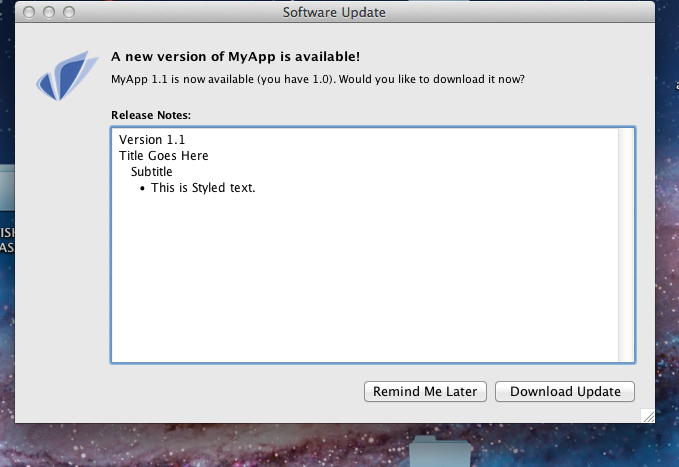
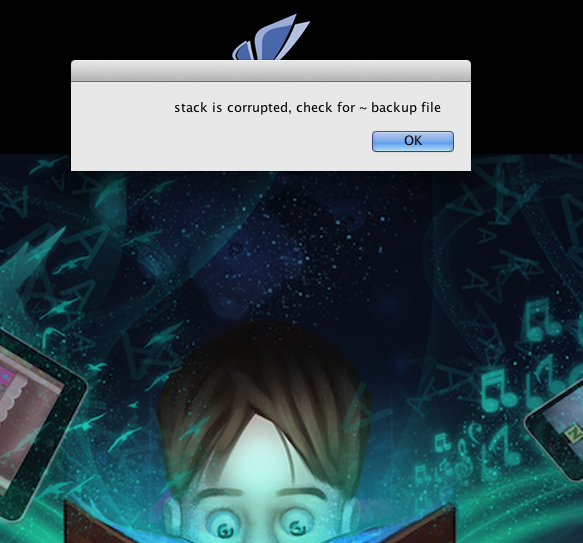
When I launched IB3 tonight the program won't load right away and I get a variety of strange error messages….. such as "stack is corrupted, check for - backup file". I click ok and the app will open. I close the app and reopen it and it takes about 30 seconds to open IB3. Also got this other odd looking error message about an update…. and another one from apple asking if I want to report what is happening with my computer…. Thought you should know.
InteractBuilder Version: 3.3 Build 323
Device: MacBook Pro
Processor: Intel Core i7
Memory: 4 GB
System: 10.7.5
--------------------
An application error occurred while attempting to perform the last action.
Restarting InteractBuilder is recommended.
An application error occurred while attempting to perform the last action.
Restarting InteractBuilder is recommended.
Error: Chunk: no such object / hide: can't find object
Handler: UpdateDB
Hint: ProgressAction
Location: Line 1899, char 4
Object: button id 1007 of group id 1010 of card id 1002 of stack "Behaviors" of stack "/Applications/InteractBuilder.app/Contents/MacOS/Local Components/Data/InteractBuilder.livecode"
89: Line 1899 at char 4: Chunk: no such object ----> ProgressAction
246: Line 1899 at char 1: hide: can't find object
241: Line 1899 at char 1: Handler: error in statement ----> UpdateDB
353: Line 0 at char 0: Object Name: ----> button id 1007 of group id 1010 of card id 1002 of stack "Behaviors" of stack "/Applications/InteractBuilder.app/Contents/MacOS/Local Components/Data/InteractBuilder.livecode"
573: Line 745 at char 1: Handler: can't find handler ----> UpdateDB
253: Line 744 at char 1: if-then: error in statement
253: Line 743 at char 1: if-then: error in statement
253: Line 720 at char 1: if-then: error in statement
253: Line 716 at char 1: if-then: error in statement
587: Line 709 at char 1: switch: error in statement
241: Line 709 at char 1: Handler: error in statement ----> LoadApp
353: Line 0 at char 0: Object Name: ----> button id 1007 of group id 1010 of card id 1002 of stack "Behaviors" of stack "/Applications/InteractBuilder.app/Contents/MacOS/Local Components/Data/InteractBuilder.livecode"
573: Line 62 at char 1: Handler: can't find handler ----> LoadApp
253: Line 55 at char 1: if-then: error in statement
253: Line 54 at char 1: if-then: error in statement
253: Line 51 at char 1: if-then: error in statement
253: Line 47 at char 1: if-then: error in statement
253: Line 43 at char 1: if-then: error in statement
253: Line 40 at char 1: if-then: error in statement
241: Line 40 at char 1: Handler: error in statement ----> mouseUp
353: Line 0 at char 0: Object Name: ----> button id 1020 of stack "Behaviors" of stack "/Applications/InteractBuilder.app/Contents/MacOS/Local Components/Data/InteractBuilder.livecode"
line 150 of handler "errorDialog" of button "stsErrors_FS" of card id 1002 of stack "libSTSErrors"
line 14098 of handler "DoError" of stack "InteractBuilder" of behavior button "Stack B" of card id 1002 of stack "Behaviors"

Server was down for some reason, but this has now been fixed. Please try again.
Actions disappear after previewing in Interact mode
Actions set on animated elements randomly vanish from the Action Set Manager after previewing behavior in Interact mode. In Interact mode the element doesn't always work the second or third time you tap the element (I do have it set to replay the behavior). The targeted hidden element Shows and animates once and then the animation loop stops working, or the targeted element won't Show anymore.
I have tried to reset the same action over and over again in Design mode and some of the actions vanish after I preview in Interact mode. Very frustrating.
To reproduce:
Place (3 or 4) animated (png sequences) on the stage. No actions are assigned to them. Make them NOT visible in interact mode.
Place (3 or 4) several static image elements control the animated png sequence with these chained actions:
On Tap > Show > Animated PNG element, Animate > Loop > Yes, Transition > set coordinates > Bounce Yes > Replay Yes, Hide > Other animated element(s).


I'd be happy to help. At which point of the process do you run into a problem?

 Show 1 random element in a group at the time
And how will I move on, once all the elements have been used?

audio record question
For the STOP button I used tap> recordingstopplaying.
All of the buttons have an audio click file on tap with them and also some blinking. It didn't work in the beginning, then it worked for about five recordings and I can't get it to record again. Suggestions?

Second tap PlayNarration kills highlighting
All is fine if I let the narrations run their course. But the following scenarios kill highlighting on Narration 2:
- I tap element A while narration 1 is still going, it stops Narration 1 and hides it as expected. BUT narration 2's highlighting cuts out after just a few words. This happened a few times then stopped :/
- I let Narration 1 play out, then tap elem. A starting Narration 2. I tap elem. A again while Narration 2 is running. It continues the audio, but cuts out the highlighting. Now whenever I tap elem. A I no longer get audio or highlighting! This is consistent.
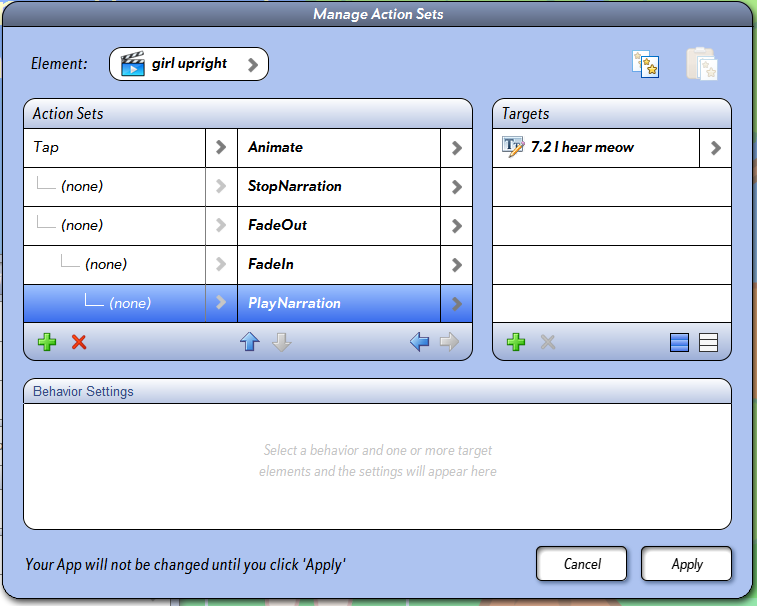

Here is a sample app for this situation:
347 - Word Highlight.zip
The text highlight starts a little later then the audio file. The element A in this sample app is the ball.

iOS Publishing Statistics - Not Working

Work almost finished....but not able to share (and so preview) it on tablets!
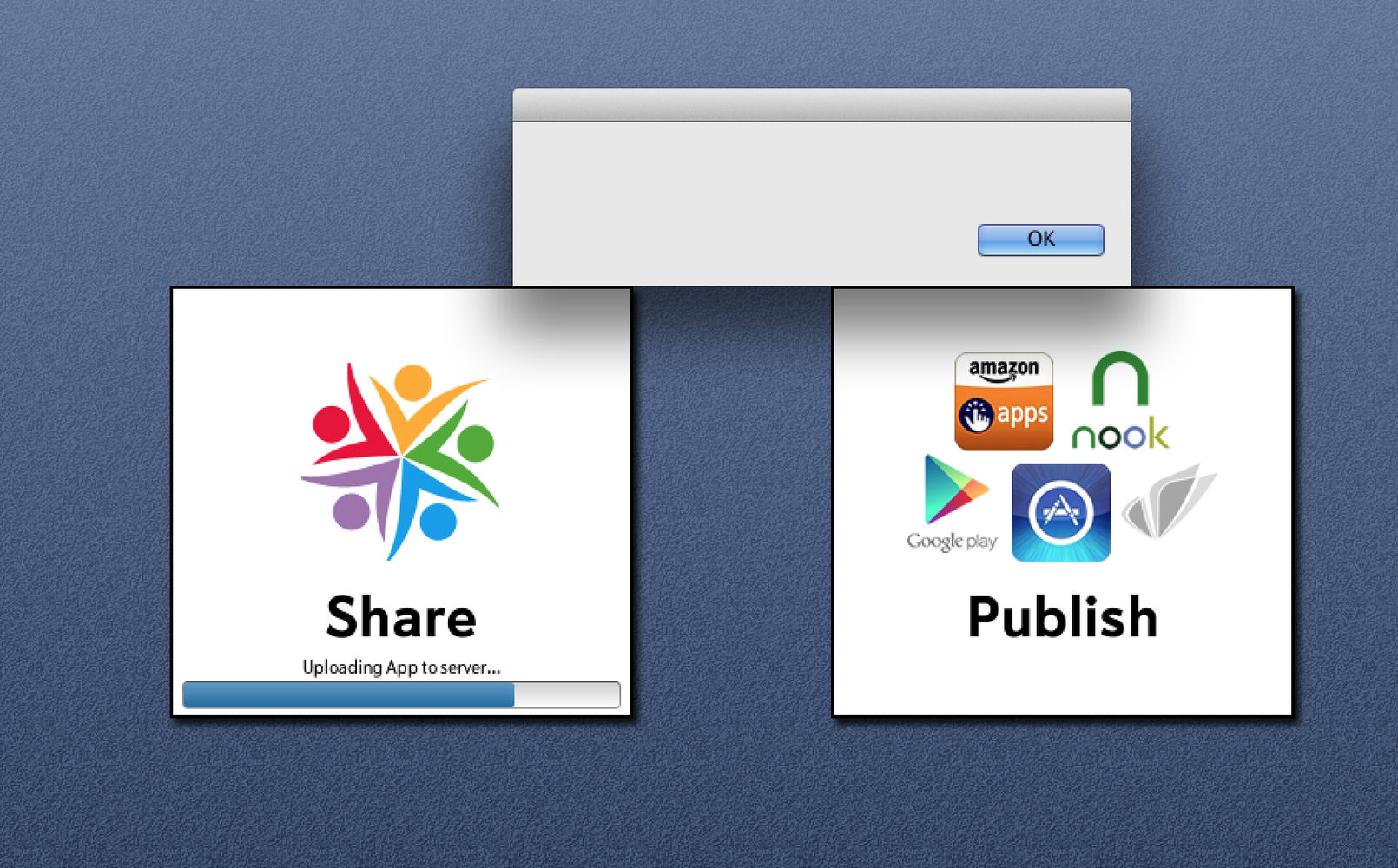
I should have finished my app project, but I am still having a serious problem: I can't download the app (book) I have shared with myself, in order to check it before publishing. I don't know wether the problem is in the uploading or downloading phase; or maybe both. When uploading (from my laptop), the bar seems to freeze at about 80%; and after several minutes, it appears a blank message on the screen (see attached image). After that, the uploading bar just empties and it appears the message "the app has been uploaded and the recipients have been notified by email..". When I take the iPad to download it; the downloading bar advances normally up to about 60%; then it freezes and just doesn't move any more. On the google nexus tablet, though, it seems to finish downloading; but once the blue bar arrives at the end, the player just closes down; and once I reopen it; the app is not in the library; and I have still the red circle notifying that there is a new app to download (the same as before)
I don't think it is related to issues in the internet connection because I have tried in different access points with good internet speed; and I have had the same problem in all of them...
Don't know what to do... now it is almost ready to be published; but I wanted to test it before, just to see how it works on a tablet!
* I have checked all the file names in the app folder and in the Builder, since I have found that non English Characters or letters with accents (á, é, í, ó, ú), normally used in Spanish words, may cause problems; and I removed all of them. But still having problems....
** I am running the most recent updates of builder / player in Macbook Pro-Retina and iPad2. I have had this problems also with past versions
*** My project weights about 130 MB. I don't have this problem with small apps (2 pages, just for testing). I am able to succesfully share them with myself
**** When I try to load my project to InteractCloud; the system asks me to upgrade to publish membership. But I have already done so! and effectively logged in with my username
Sorry for the lenght of the message. I wanted just to give you all details that might be relevant
thanks for helping
Pablo
 Make Actions Tab display on load rather than Properties Tab
I would prefer the Actions Tab to be open by default rather than Properties since I spend most of my time in the Actions panel, and be a little less confusing when working and speed up my workflow. Or if possible allow user to customize their preferred UI.

Creating an App thats all dimensions
Service d'assistance aux clients par UserEcho