App counter action?
Hi,
I have an app counter on the page. I have 10 objects that when tapped count by 1, and hide. I have another object, hidden, that I want to show when the app counter gets to 10. Can this be done? I can't for the life of me work it out? Tried various things.

Hi Clint,
You can absolutely accomplish this using conditions. On all 10 objects add an action set of Tap/Show and the target would be the hidden element. Now here is the key, on each of those action sets in the menu tap the CONDITION button, under counter conditions you will see:
{Page Counter} is {Value}
This means that you want this action set to run only if the page counter is a certain value. When you select this condition you will set the Element to your counter and the value to 10. That's it!
Let us know if you need any further assistance. There is also a video on conditions available here:
http://www.youtube.com/watch?v=zEhG7ngPpac
Ezra

 Drawing activity?
Thanks for your help!
Cathy

110 - Drawing app.zip
The color selector element will let you choose another color, with you can draw the house element.


Regards,
Inna Komarovsky

 lower case hanging text cut off
1 Google font "Chewy", bold, font-size 50, plain. Anchor point - any.
Does not happen with common font Arial, but I don't want to use that font.

Unable to ope a test book in iPad
The iPad is unable to open the project.
This is a one page book.
I use ver 3.4.3 build 355 on windows 7.
Intersection problem
I have an item on the page that I have a drag-move action on. When your dragging the item across the screen I want it to have a move back to it's original position if it touches another object. I tried using the intersections actions, but it wont work with a "move" action. It works fine if I choos something like "hide" or "blink", but not move. Is this possible to produce with intersections?
Clint

easing animation in/out
Is it possible? I am not able to find such an option within the Builder.
Thanks

iMac and iPad Player still not working
Now on the Interact Player for iPad the buttons are working but the texte is not we can only see a part of it.
For the Interact Player for iMac we still don't see the text.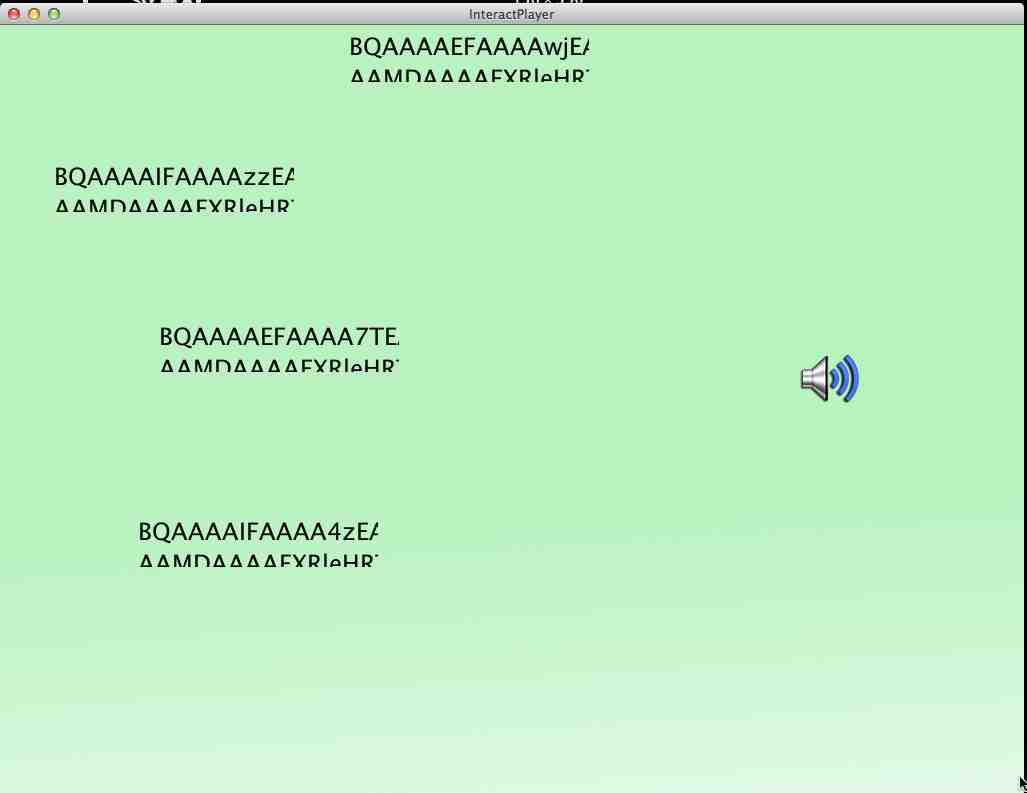
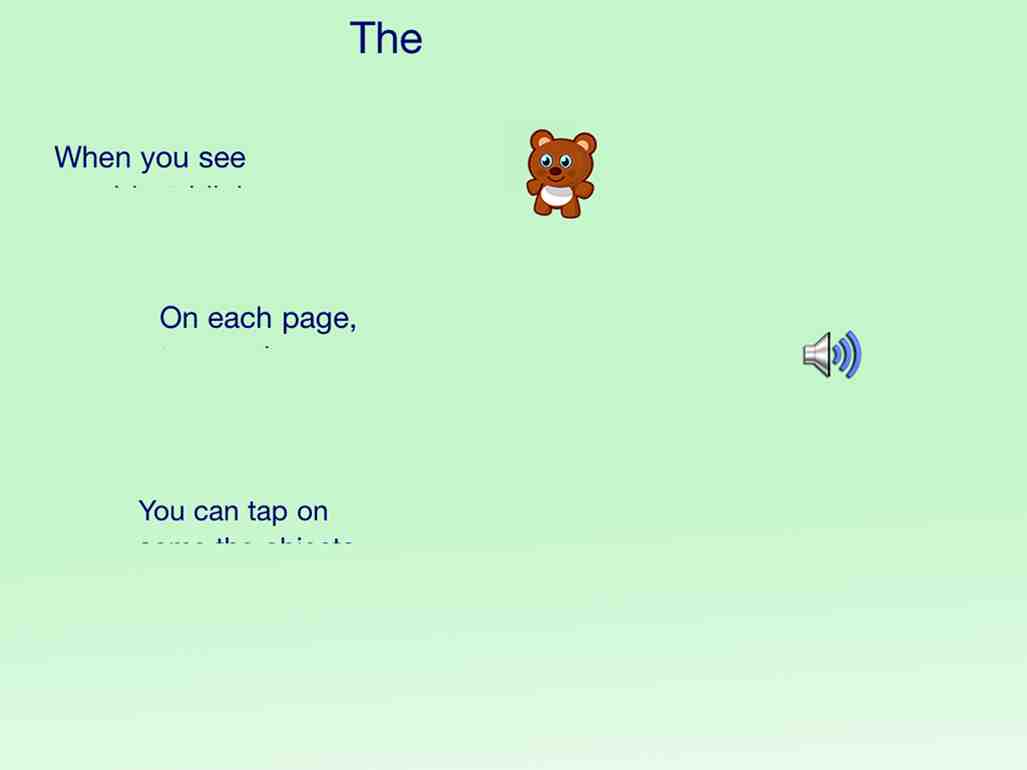
This is already fixed. You need to uninstall your desktop player and download the latest InteractPlayer for the desktop.
Animations slowing everything issues
Any news on the problems with the animations? When you have more than 1 animation on a page playing at once and it slows down everything really badly. You said you were looking into it and would be able to get it working.
I am nearing the completion of my app, and would like to send out a beta test to friends, as well as enter it in your competition. But I can't do anything till this is fixed.
Thanks
Clint
Emails still showing incorrect links
Hi,
Another problem I am still having. Emails that are sent out after sharing, contain broken links to downloading the player. The "h" at the beginning of the link is missing. Sample attached below.
Dear Clint Sutton,
Clint Sutton would like to share the app Copy of Fly with Arnold tester with you! To view this app, download the free InteractPlayer app by clicking one of the links below:
Download InteractPlayer for Mac
Download InteractPlayer for Windows
Download InteractPlayer for Android
Download InteractPlayer for iOS
You will be prompted for your email address and password.
Use the password you entered when you registered as a Builder.
Сервис поддержки клиентов работает на платформе UserEcho