We want to hear your feedback! Submit your Questions, Ideas, Suggestions, and Problems.
Ingen lignende emner blev fundet.

0
Besvaret
 Socket Timeout on Interact
Getting a socket timeout when click Interact.
It says: An error occurred during the synchronization process. Server reports: socket Timeout.
It happens when it gets about halfway with synchronizing.
It says: An error occurred during the synchronization process. Server reports: socket Timeout.
It happens when it gets about halfway with synchronizing.

0
Under vurdering
 Still having issues that the latest two fixes did not resolve.
Still cannot reorder the pages in the way I want them to appear in the book. Also I deleted a page and when I hit interact it still shows. I currently have one page that will not change to the next page despite it being set up exactly like the other pages in the book the change just fine. Reordering the pages is an important feature that really needs to be resolved.

0
Besvaret
Work with Individual Words in a Group
Is there a way to add individual elements (such as narration) to one word, but add the words in one text box? I have been adding words in individual text boxes so that they can be "tapped" and audio will play. This works great, except I am having a hard time getting the spacing to look right between words.

0
Besvaret
Where can I find the release notes for InteractBuilder?
Where are the release notes posted? I saw a warning and a task on the latest update dialog that recommended that I do something related to frame animations, but I upgraded before writing down the update task.

Svar
Alin Alexandru Matei
13 år siden
Here you can find all the release notes: http://interactbuilder.screenstepslive.com/s/5404/m/16262

Svar
Alin Alexandru Matei
13 år siden
Yes you can save the input text by using SetText with target being a text element. Basically this behavior will let the user write down what text he wants and then save it in the text element.
Or you can use the text element as a Note element.
To explain better I've attached a sample app with two pages. One page showing how to set a simple text to save the input user text. And the second page the same action but using the text element as a note.

0
Besvaret
App modification
I would like to know what the process is if I need to modify my app once it is in the market. Do I have to publish it again and wait for review? .. Thanks.

Svar
Inna Komarovsky
13 år siden
To update your app, it must be submitted to the app stores again. Please publish your app again, and we will submit your app to the app store within 1 to 5 business days. Make sure you change the version number in the app settings before re-submitting it.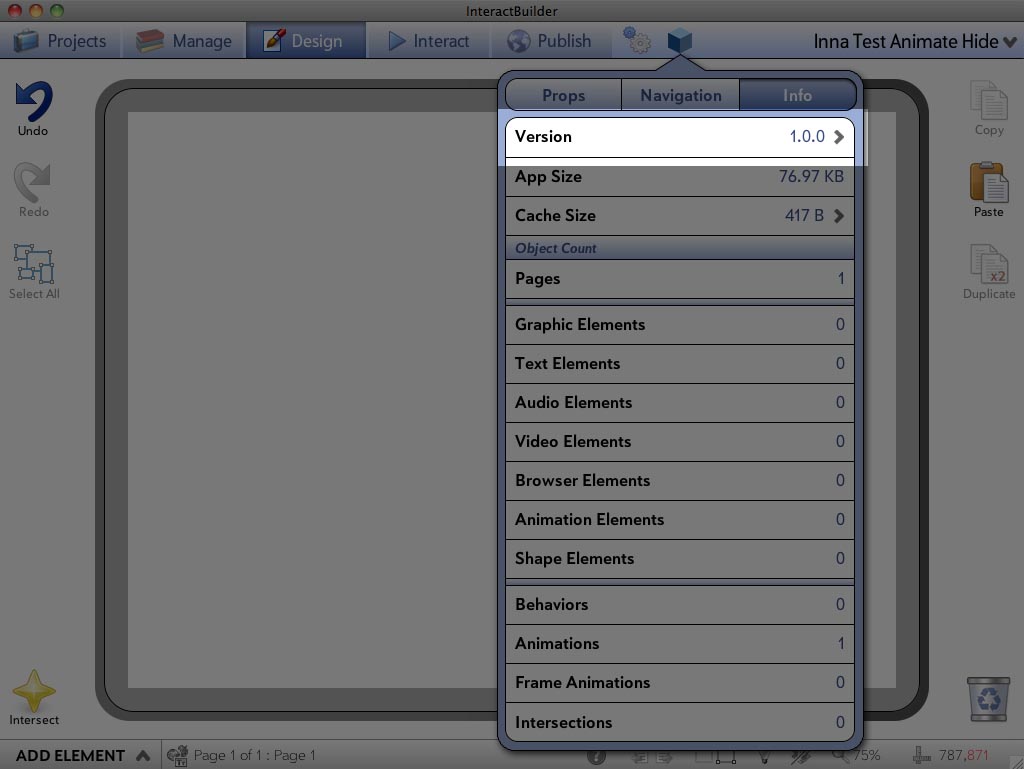

Svar
Alin Alexandru Matei
13 år siden
After you download the latest version, did you uninstall the previous version before installing the new one?

0
Under vurdering
My Stats
Hi, I would like to know how can I see my stats... keep saying "You haven't published any apps jet" 'what am I doing wrong?

0
Påbegyndt
 published dimensions don't stick
See the first image here I have the iphone dimensions set:
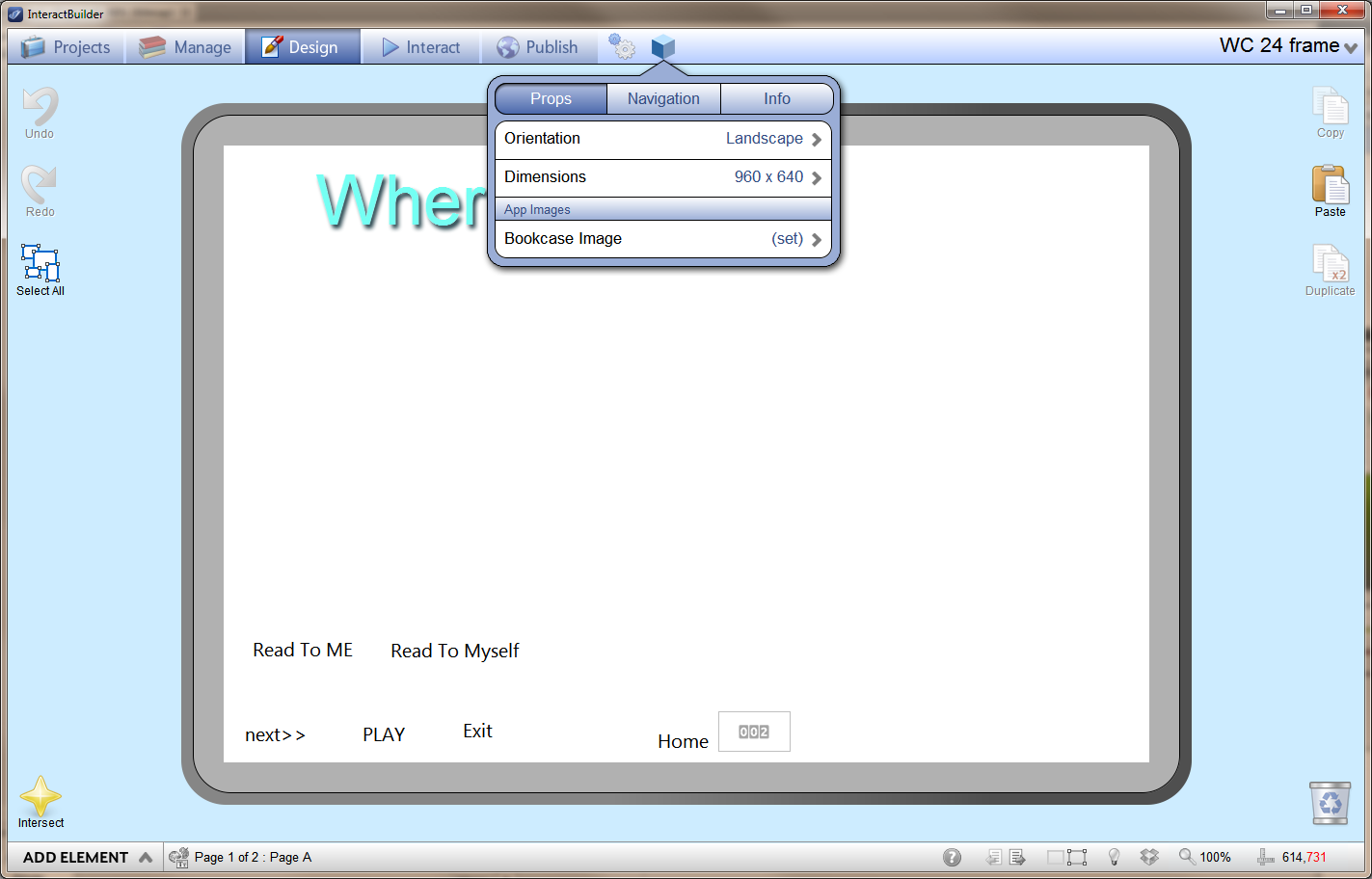
I threw in my shelf thumbnail as the nav icon. I see it flash briefly, then the screen resizes up to some larger dimension. I see this on my iphone 4:
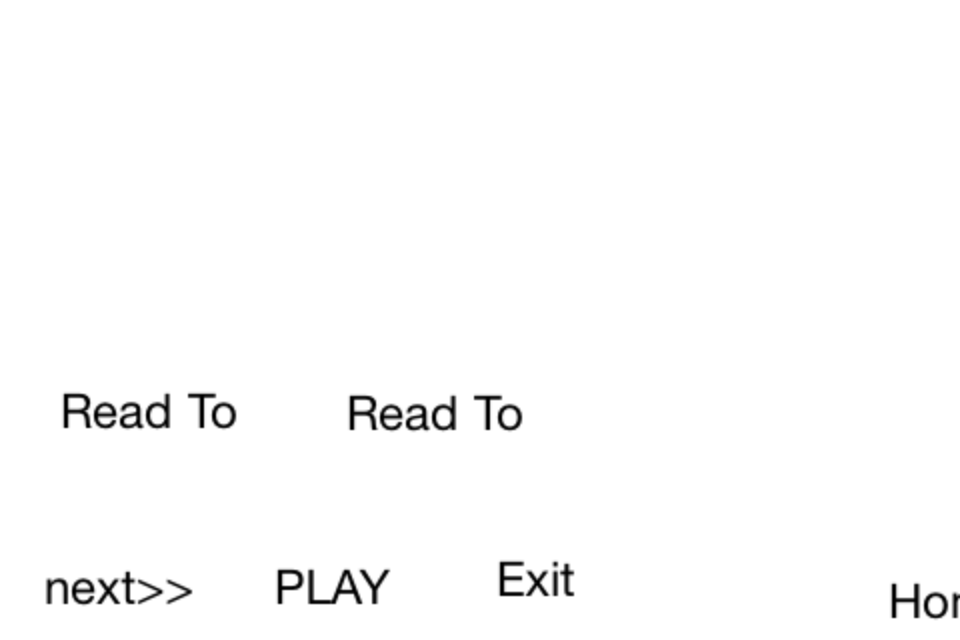
There is no pinch/zooming, no navigation, and none of the links work.
I am unable to test anything on my phone.
I threw in my shelf thumbnail as the nav icon. I see it flash briefly, then the screen resizes up to some larger dimension. I see this on my iphone 4:
There is no pinch/zooming, no navigation, and none of the links work.
I am unable to test anything on my phone.
0
Besvaret
Next steps once book is ready
Once we have our app working, and are standing by for you to compile it, are there other steps we can take meantime, to prepare for the different marketplaces? Such as icon designs, account setups? Do you have any such support materials like this for us authors? Thanks!
Svar
Inna Komarovsky
12 år siden
Hi Sean,
If you want to use one app for different marketplaces, it will automatically resize proportionally to fit within the different screen sizes, with a little black space around whichever dimension is larger. If you do prefer to create different versions of the app, you can duplicate the app, change the dimensions, and adjust the artwork to apply to different screen sizes. This decision is up to you : )
Regarding the app icon, as long as the icon you included in your app publishing materials is a 1024x1024 square without rounded corners, the icon will be adjusted (size and rounded corners radius) for each marketplace. The following user guide article describes this as well as other publishing options: Publishing to the App Marketplaces.
If you want to use one app for different marketplaces, it will automatically resize proportionally to fit within the different screen sizes, with a little black space around whichever dimension is larger. If you do prefer to create different versions of the app, you can duplicate the app, change the dimensions, and adjust the artwork to apply to different screen sizes. This decision is up to you : )
Regarding the app icon, as long as the icon you included in your app publishing materials is a 1024x1024 square without rounded corners, the icon will be adjusted (size and rounded corners radius) for each marketplace. The following user guide article describes this as well as other publishing options: Publishing to the App Marketplaces.
Kundesupport af UserEcho